
Enterprise SCADA systems have their own unique needs compared to a single-plant solution. For example, enterprises often have more facilities, more users, localization requirements, and certain automation goals that matter more to them.
Read this blog to find out the 10 enterprise SCADA tips you need to know to advance your organization today. These tips will help you build global control solutions that excel in the three S’s for enterprise success: security, standardization, and scalability.
Tip 1: To Follow SCADA Security Best Practices, Use Secrets Management
The importance of enterprise SCADA security cannot be understated. When cyberattacks happen at the enterprise level, they can result in extreme financial loss, safety hazards, and reputational damage. To keep your enterprise’s confidential information safe, use industrial software that offers secrets management.
The practice of secrets management securely stores and manages secrets (such as passwords, credentials, private keys, or access tokens) on behalf of users/systems. By moving your secrets into secret providers, you can centrally manage all your secrets and reuse a secret within a gateway. This helps to avoid the nightmare of secret sprawl, and the task of secret rotation becomes a whole lot easier.
Dive Deeper: Learn more about Secrets Management in Ignition
Tip 2: Master Version Control With Git
With the high volume of people working on projects simultaneously in an enterprise setting, version control is critical. To do version control right, use the industry-standard version control system Git, a collaboration tool that helps avoid merge conflicts, lost changes, and inefficient workflows.
To support enterprise-wide consistency, enterprise teams should document their Git workflow in a file that includes:
- Branching strategy
- Commit message conventions
- PR and merge guidelines
- Security best practices
- Naming conventions
Dive Deeper: Read “Best Practices for Using Git in a Team Environment”
Tip 3: Boost ROI With Docker
Using containerized applications is a powerful way to boost enterprise ROI, and the leading containerization platform is Docker. According to Docker’s statistics, “Enterprise companies that implemented Docker saw a 126% return on investment (ROI) over three years.”
So, what is containerization exactly? Basically, containerization takes everything an application needs to run (such as its code, libraries, and settings) and puts it into a standard, self-contained software unit — AKA a “container.” The result is exceptional consistency across different computing environments.
Containerization helps you deliver strong ROI because it lowers costs and accelerates development. Overall, it offers a clear path to success in hybrid cloud manufacturing, thanks to integration across your entire IT ecosystem.
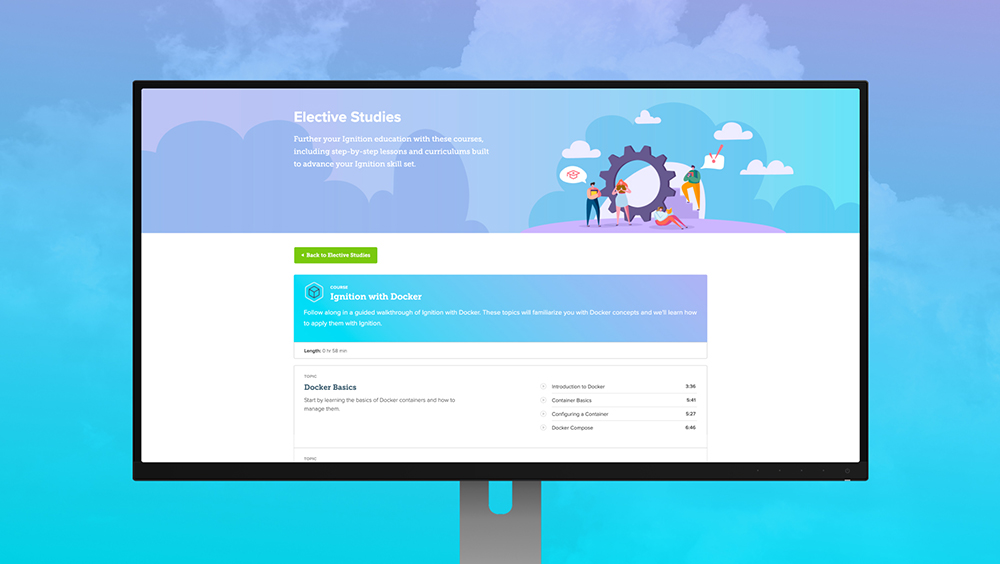
Dive Deeper: Take the free “Ignition With Docker” Inductive University course
Tip 4: Manage Multiple Environments With Deployment Modes
Deployment modes are a great way to improve your enterprise’s scalability and keep things safe when working in multiple environments.
Essentially, deployment modes are a grouping of gateway resources, and this grouping is created and defined by a user. Deployment modes enable you to use different environments for development, staging, production, and more.
If you want to improve the simplicity and safety of testing, updating, and modifying your server, it starts with choosing the right SCADA development software. Make sure the platform you choose has functionality to create and manage configurations for multiple environments within a single server.
Dive Deeper: Learn more about Deployment Modes in Ignition
Tip 5: Centralize Your System With a Controller Gateway “Brain”
Since enterprises typically need multiple gateways, having a central controller gateway is a powerful management tool. You can create a controller gateway by using software like Ignition’s Enterprise Administration Module (EAM). By creating a controller gateway “brain” that connects everything together, you’ll be able to keep your enterprise operating intelligently.
With a controller gateway, you can deploy multiple gateways across vast geographical distances, and manage them all from one gateway. Plus, you can synchronize projects and resources, communicate over a secure network, and automate gateway backup and recovery. And it can also be possible to monitor your memory usage or get a heads up about impending gateway failure.
Dive Deeper: Read about the Enterprise Administration Module
Tip 6: Scale Automation and SCADA Solutions With Helm Charts
Deploying global control solutions at scale can be complex. One of the most important enterprise SCADA tips for simplifying scalability is to align with Infrastructure as Code concepts by deploying your SCADA solutions with Kubernetes. Kubernetes’ ability to provide role-based access control makes it a compelling option for enterprises. And Helm Charts are ideal for managing your Kubernetes applications.
Reese Tyson, Senior Sales Engineer at Inductive Automation, explains that using industrial automation platforms that have Helm Charts “aids with not only creating the infrastructure initially, but also maintaining it over its lifespan.” If you want to spin up a scaled architecture where you have a number of gateways at different locations and want to connect everything together, Helm Charts make it super easy.
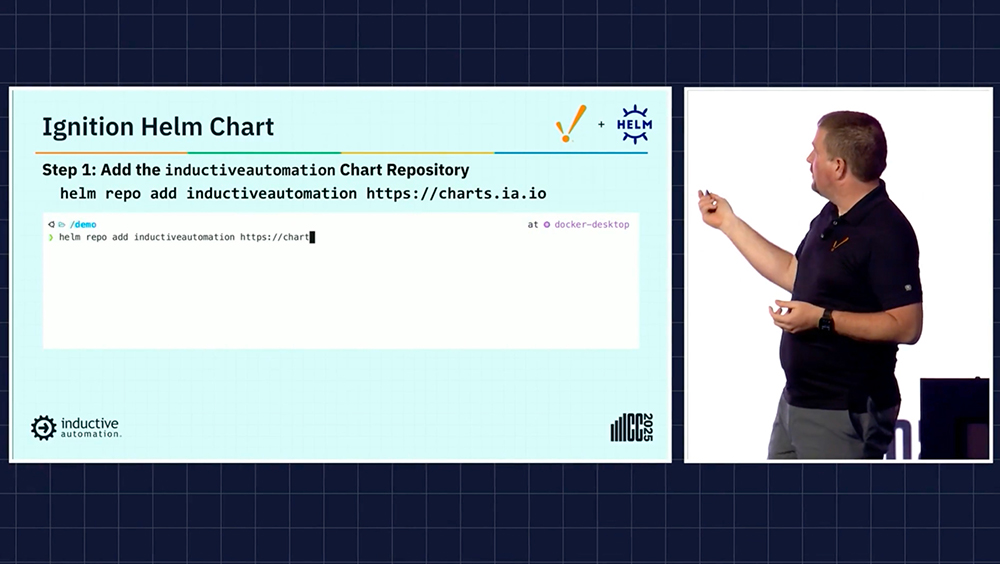
Dive Deeper: Watch “Taking the Helm With Ignition on Kubernetes”
Tip 7: Achieve a Standardized Look With Project Inheritance
For a polished and professional-looking enterprise system, consistency is key. And one handy way to achieve a common look and feel in controls solutions across a continents-spanning enterprise is with project inheritance.
Project inheritance lets a project inherit resources (like windows, pipelines, views, scripts, or templates) from another project. Since project inheritance is very flexible, you can configure a project that inherits resources to become a parent project, which can then bequeath its automation resources to other projects.
With project inheritance, you can design complex hierarchies of reusable resources. And you’ll be able to achieve consistent branding in your control screens, whether they are being viewed on a factory floor in Dubai or Dallas.
Dive Deeper: Read “Project Inheritance” in the Ignition User Manual
Tip 8: Don’t Get Lost in Translation — Use a Translation Manager
For enterprises that span the globe, ensuring screens can display the appropriate language is a big concern. For this need, a localization tool like a Translation Manager is the ticket.
In a Translation Manager like Ignition’s, all translations are stored in a shared database so you can manage terms in one place and apply them to any project. You can use the Translation Manager to:
- Add, edit, or remove terms
- Create translations for single words or longer phrases
- Define new languages
- Import and export translation lists
Dive Deeper: Learn more about localization and languages in SCADA systems
Tip 9: Use Locale Information for Charts
Another enterprise concern is making sure users see numbers formatted in a familiar way when they’re looking at charts. To keep things running smoothly here, choose an automation platform that can bring locale information into your charts.
Importing this locale information lets users display numbers in the format that makes sense for them. So they can switch from an English display of numbers (e.g., 55.81) to, say, a German display (e.g., 55,81) on the fly. This is great for making solutions more user-friendly, as it gives users the look and feel they are expecting.
Dive Deeper: Watch an overview of this feature in Ignition (Starting at minute 16:24)
Tip 10: Avoid Global Confusion By Setting Time Zones Properly
Ensure users don’t get confused by making the correct time zone visible to them. While this might seem simple, it’s critical to get correct, as errors here can be very problematic. One way to set time zones up properly would be with various components that display a formatted date and time based on the time zone of the user’s browser. This can be used along with a script that applies custom formatting to display the date and time to the user in the Ignition Gateway’s time zone.
Dive Deeper: Learn more about time zones in Ignition Perspective
Ignition: The Ultimate Enterprise SCADA Platform
For some parting words, consider Industry 4.0 expert Jeff Winter’s saying that “nothing new emerges without rethinking the familiar.” If your enterprise has been struggling with an antiquated SCADA system, perhaps try out Ignition’s robust IIoT platform. It has all the tools to follow the enterprise SCADA tips we’ve covered for improving security, scalability, and standardization.
Next Step: To see how Ignition Enterprise Software helps you advance your organization into its Industry 4.0 era, request a demo.
Tags /
Enterprise SCADA Ignition Ignition 8.3 Security Secrets Management Perspective Gateway Charts Docker EAM